
Why Does My EV Show Charging Error Code 26

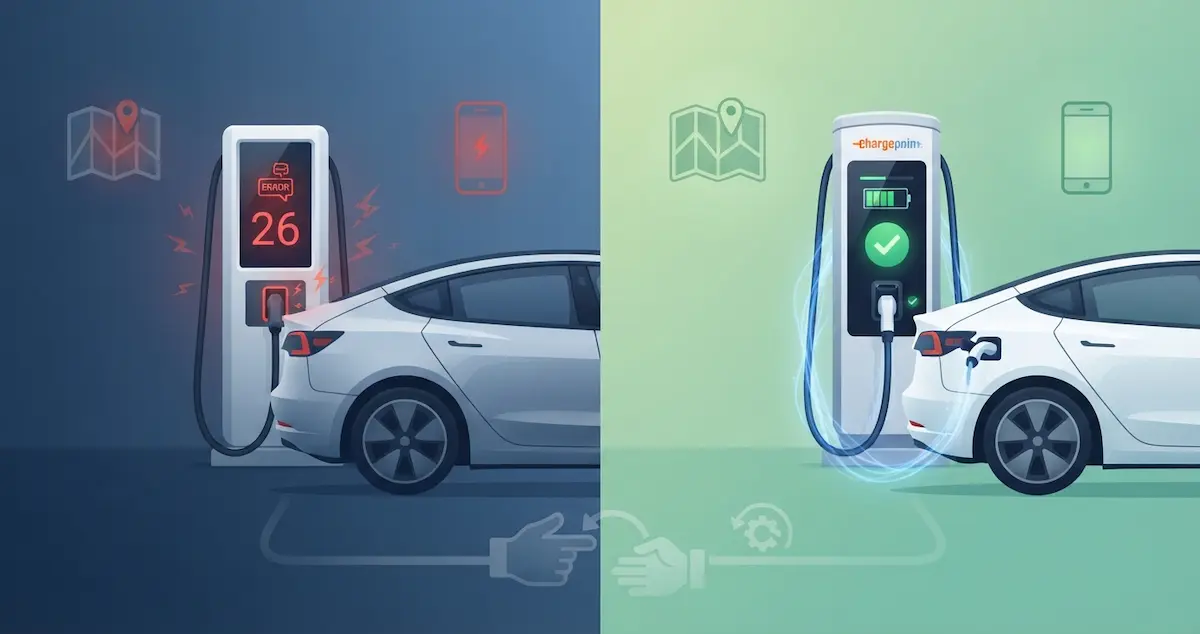
Charging Error Code 26 appears on some EV charging systems during a failed session. Like Error Code 15, this is a network-level or system-level code used by specific charging platforms to communicate a particular type of failure. This guide explains what Error 26 means and how to resolve it.
Error code 26 is a charging fault. For the full checklist of charging problems, use EV Charging Troubleshooting: 10 Most Common Problems Solved. See also Why Does My EV Only Charge at Half Speed?.
Short Version
Charging Error Code 26 typically indicates an insulation or ground fault detected during the charging session, a vehicle communication timeout during CCS initialization, or an internal EVSE or charger fault. On some networks, it specifically indicates the vehicle sent an unexpected response during session setup. The fix depends on which system generated the error, but unplugging, rebooting the car, and moving to a different stall resolves the majority of Error 26 occurrences.
What Error Code 26 Means by System
On Electrify America
On the Electrify America network, Error 26 is associated with a vehicle communication protocol failure, specifically during the CCS communication handshake where the charger and car negotiate power levels and session authorization. This error can indicate:
- The car’s CCS module sent an unexpected or non-compliant message during initialization
- The charger’s firmware is not compatible with the vehicle’s CCS protocol implementation
- A timing issue where the car took too long to respond to the charger’s initialization request
EA recommends unplugging completely, waiting 2 minutes, and reconnecting. If Error 26 persists at the same stall, try a different stall. If it follows the car to multiple stalls, call EA support (1-833-632-2778) with the station ID from the charger face.
On other CCS networks (ChargePoint, EVgo, Blink)
Error 26 on other CCS networks may represent:
- A vehicle-detected insulation fault during the pre-charge check, the car detected a potential ground fault condition and refused the session for safety
- An authorization or payment failure that wasn’t categorized as a simple payment error
- A session that was terminated by the network backend for an unexpected reason
On home EVSEs
Some EVSE manufacturers use Error 26 in their internal error code systems:
- Wallbox: Error 26 may indicate an internal ground fault detection, the EVSE detected leakage current above its threshold. This can be a genuine fault or a false positive from electrical noise on the circuit.
- Generic EVSEs: Error 26 on unbranded units often indicates a GFCI trip, the built-in ground-fault protection detected current leakage and stopped charging.
On the vehicle’s charging screen
If Error Code 26 appears on your vehicle’s own charging system display, it’s a manufacturer-specific code. Common associations by brand:
- BMW EVs: Error 26 in the BMW charging system often indicates a pilot signal duration fault, the J1772 pilot signal wasn’t maintained for the expected duration during session initiation. Try a different EVSE and check for a BMW software update.
- Audi e-tron series: Error code 26 in the Audi charging system may indicate a vehicle-detected onboard charger fault. Check for a pending MMI software update.
How to Fix Charging Error Code 26
At a public charger
- Unplug the charging cable from the vehicle
- Reboot the car: soft reset if possible
- Wait 2–3 minutes for all systems to reinitialize
- Move to a different stall at the same station
- Reconnect firmly until the latch clicks
- Wait 60–90 seconds for the handshake to complete
- If Error 26 follows the car to every stall at multiple stations, call the network support line and reference the error code and station ID
At a home EVSE
- Unplug the charging cable from the car
- Flip the EVSE circuit breaker OFF for 60 seconds
- Reset any GFCI, press the RESET button on the GFCI outlet or GFCI breaker
- Flip the breaker back ON and wait 60 seconds for the EVSE to complete its self-test
- Reconnect the cable firmly
- If Error 26 recurs on the home EVSE specifically but not at public chargers, the EVSE or its circuit has a ground fault issue, have an electrician inspect
When Error 26 Indicates a Serious Fault
If Error 26 consistently appears across multiple chargers (different brands, different locations) and indicates a vehicle-side insulation fault, the car may have a genuine ground fault in its charging system. Symptoms that suggest this:
If the car charges but slowly, see Why Does My EV Only Charge at Half Speed?.
- Error 26 appears at every charger attempted, regardless of network
- The car charges on Level 2 AC but consistently fails at DC CCS with Error 26
- OBD2 scan shows P0AA6 (isolation/ground fault) alongside the charging error
P0AA6 alongside a recurring Error 26 is the combination that warrants immediate dealer attention, do not continue charging a car with a confirmed isolation fault.
Conclusion
Charging Error Code 26 most commonly indicates a CCS communication protocol failure or a GFCI/ground-fault detection, both of which are resolved by unplugging, power-cycling the EVSE and the car, and reconnecting. If Error 26 follows your car to multiple different chargers, get an OBD2 scan for P0AA6 before continuing to charge. A confirmed isolation fault is a stop-charging condition that requires dealer service. On home EVSEs, a recurring Error 26 that resets but returns indicates a real ground fault in the electrical circuit, an electrician is required.
Further reading
- U.S. Department of Energy: Charging Electric Vehicles at Home
- fueleconomy.gov: All-Electric Vehicles