
Tesla Charge Port Latch Error: Causes and Fixes

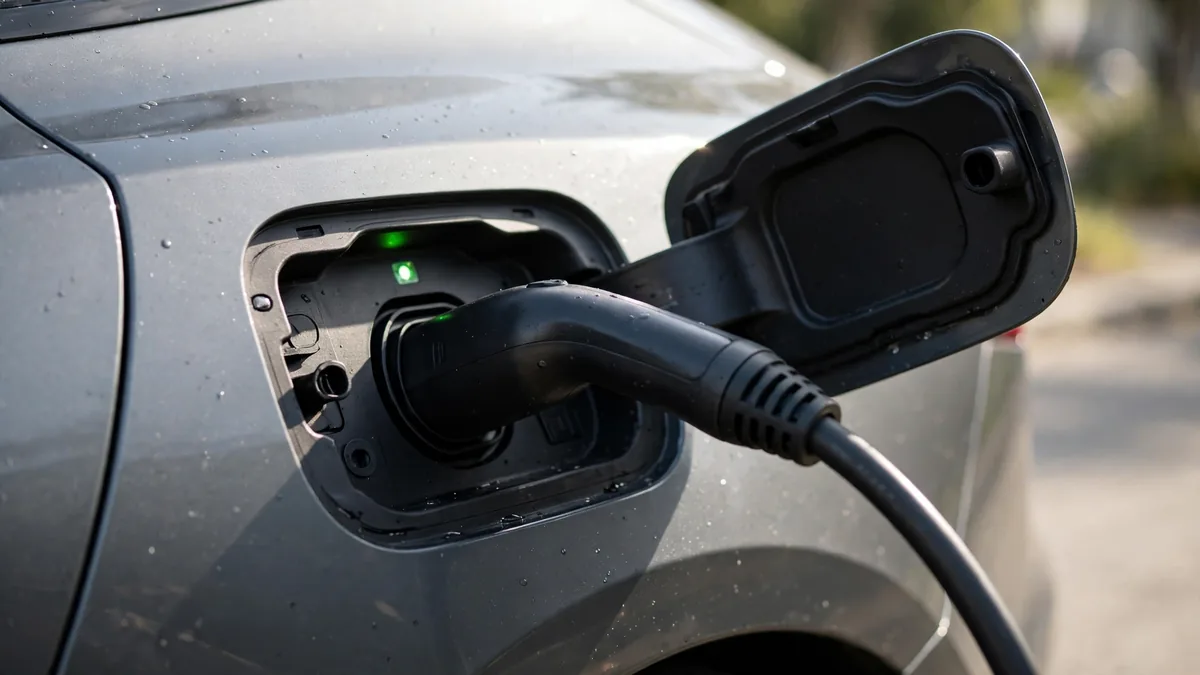
Your Tesla charge port has a latch error, the cable won’t release, the charging session won’t start, the port LED is blinking orange, or you’re seeing error code CP_a139 in the app. This guide covers every Tesla charge port latch issue with specific solutions for each scenario.
This guide belongs to our brand-specific battery problems section. For the full overview, see Audi e-tron Battery Problems.
What to Know First
Tesla charge port latch errors (CP_a139) are caused by the electronic latch failing to confirm either a complete engagement when plugging in or a complete release when unplugging. The fix in most cases is using the Tesla app’s charge port unlock command, rebooting the car, or using the manual emergency release cord. Persistent latch errors indicate a failing latch actuator that needs Tesla service, typically covered under the basic vehicle warranty.
How Tesla’s Charge Port Latch Works
Tesla’s charge port uses an electronic solenoid latch rather than a mechanical squeeze-to-release mechanism. When you insert the charging connector, the latch engages automatically. When you want to remove it, the car must electronically release the latch, either through a button press (on the connector), the Tesla app, or by pressing the charge port button if equipped.
The latch serves two purposes: security (prevents cable theft while charging) and safety (prevents accidental disconnection during active charging). If the latch sensor doesn’t confirm the expected state, open or closed, the car logs CP_a139 and may refuse to start charging or prevent the cable from releasing.
Common Tesla Charge Port Latch Problems
Problem 1: Cable is stuck in the port and won’t release
This is the most urgent latch issue. The latch has engaged (or stuck in the engaged position) and the car isn’t releasing the cable electronically.
Fix sequence:
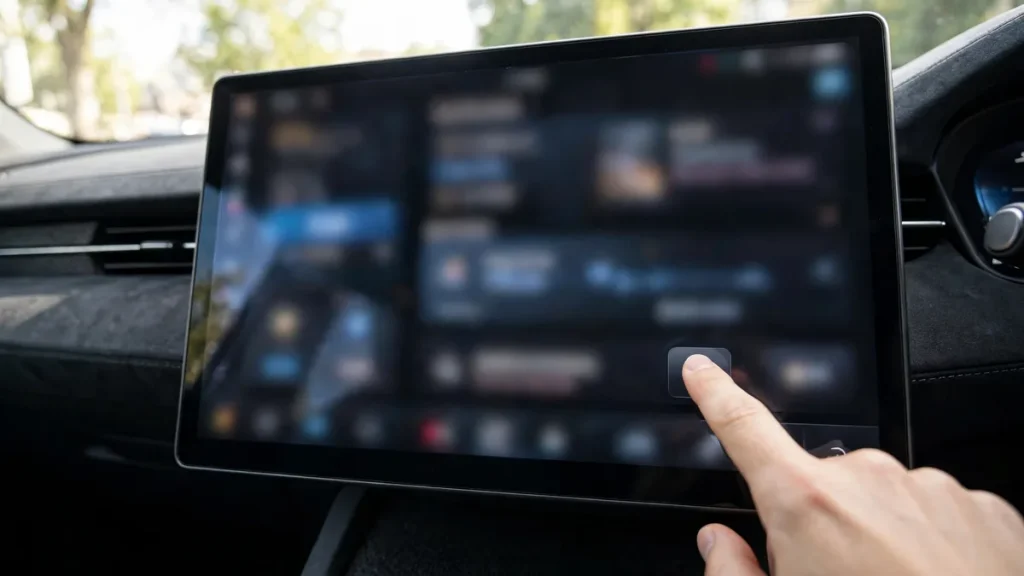
- Open the Tesla app → Controls → Charge Port → Open Charge Port
- Wait 10–15 seconds after tapping Open
- Try removing the cable
- If unsuccessful, perform a two-button reboot (hold both scroll wheels until screen restarts)
- After reboot, try the app command again
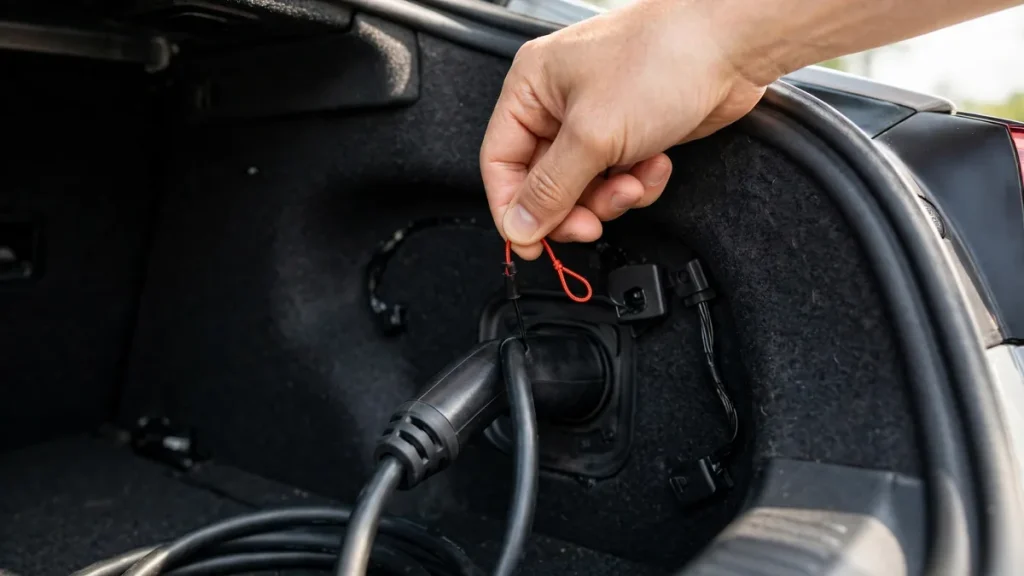
- If still stuck: use the emergency manual release cord
Emergency manual release: by model
- Model 3 / Model Y: Open the left rear passenger door. Fold down the left rear seat back. Look for a fluorescent-colored glow-in-the-dark pull cord behind the seat, near the body of the car in the upper corner. Pull it firmly toward you, this mechanically releases the latch. ⚠️ The cable will release but the port may not re-latch correctly afterward. Don’t drive until the port is inspected by Tesla service.
- Model S / Model X: Open the trunk (frunk on Model S). Look on the left inner panel for the charge port release handle. Pull to release. Location varies by year, check the Tesla owner’s manual for your specific model year’s release location.
Problem 2: CP_a139 error: charging won’t start
The car’s BMS logged a charge port latch sensor fault and won’t initiate charging because it can’t confirm a secure connection.
Fix sequence:
- Unplug the connector completely
- Use the app to Open/Close the charge port a few times, this cycles the latch solenoid
- Inspect the charge port for debris with a flashlight, clean with compressed air if needed
- Reboot the car (both scroll wheels)
- After reboot, wait 60 seconds, then firmly insert the connector until the click is clearly felt/heard
- Wait 30–60 seconds for the charging session to initialize
Problem 3: Charge port LED blinking orange
An orange blinking LED on Tesla’s charge port ring specifically indicates a charge port latch fault, distinct from the blue (communicating), green (charging), white (not charging, connected), or red (fault) colors. An orange blink pattern means the latch system is in an error state. Follow the same fix sequence as CP_a139 above, the orange LED and CP_a139 are the same underlying condition presented differently.
Problem 4: Charge port door stuck open or closed
The charge port door is a separate mechanism from the latch, it’s a motorized door that opens to access the port. If the door won’t open when you press the charge port button or tap the app:
- Make sure the car is unlocked, the port door won’t open on a locked car
- Try the app’s charge port open command, this uses a different trigger than the physical button
- In cold weather, the door seal may be frozen, don’t force it open; use preconditioning to warm the area
- If the door motor fails, this is a separate repair from the latch, schedule Tesla service
Problem 5: Latch repeatedly fails: progressive failure
If the latch error appears occasionally at first and then more and more frequently over weeks, the latch actuator is mechanically failing, the solenoid or motor that moves the latch pin is wearing out. This is a hardware component failure that doesn’t improve with software resets. Schedule Tesla service, Tesla mobile service can typically perform this repair at your location rather than requiring a service center visit.
Preventing Tesla Charge Port Latch Problems
- Keep the charge port clean, debris and dirt are the most common causes of intermittent latch sensor errors
- Always unplug by tapping the connector’s button or using the app, never pull hard on the connector without unlocking the latch first
- In cold weather, precondition the car before disconnecting, frozen latch mechanisms benefit from warming
- If the latch starts being intermittent, address it promptly, a stuck cable at a public charger or the inability to start charging is more disruptive than preventive maintenance
Repair Costs and Warranty
The charge port latch assembly is covered under Tesla’s basic vehicle warranty (4 years/50,000 miles on most models). The basic warranty is separate from the 8-year battery warranty, the latch is a mechanical/electrical component, not a battery component. If within the basic warranty period, the repair is free. Out of warranty, Tesla mobile service typically charges $200–$500 for the latch assembly replacement. Tesla often performs this repair at your home or workplace without a service center visit.
For a related problem, see Chevy Bolt Battery Problems: What Owners Report.
FAQs
My Tesla cable has been stuck for 2 days: is there any risk leaving it?
No fire or safety risk from a cable stuck in a latch fault, the charging session isn’t active in a latch fault state. However, leaving a cable stuck for extended periods can put gradual mechanical stress on the connector. Use the manual emergency release cord if the app commands and reboots haven’t worked, that’s exactly what it’s there for. Schedule Tesla service after using the manual release.
Does a charge port latch repair void any warranties?
No, a Tesla-performed latch repair doesn’t void any warranty. Using the manual emergency release cord also doesn’t void the warranty, it’s a designed feature of the car. Do not attempt to open the charge port housing or modify the latch yourself, this could void the relevant warranty coverage on that component.
Conclusion
Tesla charge port latch errors (CP_a139) are common and well-documented. The app’s charge port unlock command and a car reboot resolve most cases. Frozen latch in cold weather resolves with preconditioning. A stuck cable that doesn’t release after app commands and reboot requires the model-specific emergency release cord followed by a Tesla service appointment. Recurring latch errors indicate a failing latch actuator, schedule mobile service before it becomes a stranded-cable situation. The repair is covered under the basic 4-year/50,000-mile vehicle warranty.