
Why Is My Chevy Bolt Charging Slowly

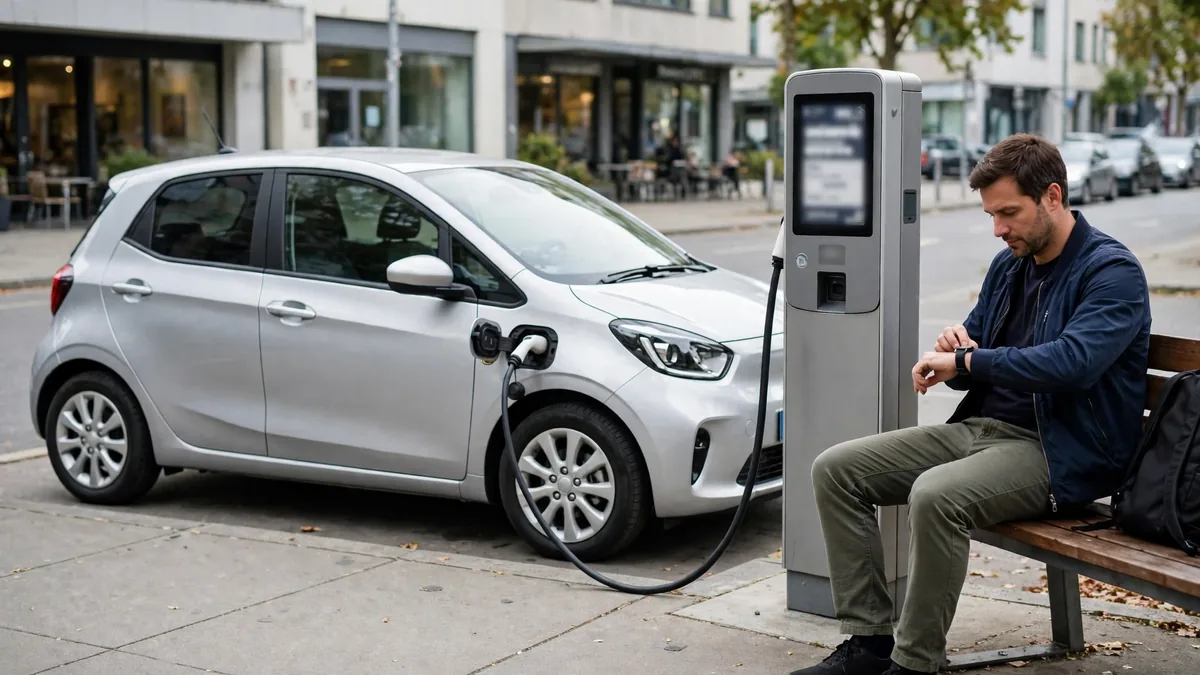
Your Chevy Bolt is charging slowly, much slower than you expect. Whether at home or at a public CCS station, the charging rate seems lower than it should be. This guide explains every reason the Bolt charges slowly, distinguishes between hardware limitations and actual faults, and tells you what you can and can’t fix.
This guide belongs to our brand-specific battery problems section. For the full overview, see Audi e-tron Battery Problems.
At a Glance
The most common reason a Chevy Bolt charges slowly is that it has a hardware maximum DC fast charge rate of 55 kW, this is the design specification of 2017–2022 models, not a fault. At Level 2, the Bolt charges at up to 7.2 kW (standard), if you’re getting noticeably less than this, there’s a fault to diagnose. Cold battery temperature also reduces Level 2 and DC rates noticeably.
Understanding Chevy Bolt Charging Speeds
| Charging Type | Maximum Rate | Typical Time (0–80%) |
|---|---|---|
| Level 1 (120V / 12A) | 1.4 kW | 3–4 days |
| Level 2 (240V / 32A) | 7.2 kW | 7–8 hours |
| Level 2 (240V / 48A EVSE) | 7.2 kW (Bolt-limited) | 7–8 hours (same, Bolt caps at 7.2 kW) |
| DC Fast Charge (CCS) | 55 kW max | ~60 minutes |
The Bolt’s onboard charger caps Level 2 at 7.2 kW, a 48A EVSE won’t charge the Bolt faster than a 32A EVSE. The Bolt simply doesn’t use the extra current. Similarly, the Bolt’s DC fast charge hardware caps at 55 kW regardless of the station’s rated capacity. A 150 kW or 350 kW CCS station delivers no more than 55 kW to a 2017–2022 Bolt.
Why Your Bolt Is Charging Slower Than Its Own Limits
Cause 1: Cold battery: most common real-world cause
The Bolt’s onboard thermal management is sensitive to battery temperature. Below 32°F, the BMS restricts both Level 2 and DC fast charge rates noticeably to prevent lithium plating in the cells. A Bolt that normally charges at 55 kW DC may charge at 15–20 kW until the battery warms. The Bolt doesn’t have navigation-triggered preconditioning like Tesla and some other EVs, you need to precondition manually through the myChevrolet app before arriving at a DC fast charger in cold weather.

Cause 2: Battery above 55–60% SOC at DC fast charger
The Bolt’s DC fast charge taper begins earlier than many other EVs, often starting at around 55–60% SOC. By 70%, the rate has dropped to 30–35 kW. By 80%, it’s down to 15–20 kW. This is normal BMS behavior, not a fault. If you arrive at a CCS station with more than 55% charge, the effective DC charging rate will be noticeably lower than the Bolt’s 55 kW peak.
Cause 3: CCS compatibility issue with specific stations
The Bolt has documented compatibility issues with certain CCS station firmware versions, particularly some older Electrify America configurations. If the Bolt consistently charges at a reduced rate at one network but normally at another, a network-specific CCS protocol compatibility issue is likely. Keep the Bolt’s software updated and report the specific station and issue to Chevy and to the charging network operator.
Cause 4: Charge limit set below current SOC
If the myChevrolet app’s charge limit is set to 80% and the Bolt is already at 78%, the charging session will appear extremely slow because only 2% of charge is being added. Check the charge limit setting in the myChevrolet app and in the car’s energy settings. Raise the limit above the current SOC to see normal charging behavior.
Cause 5: Recall software limiting charge rate
During the period when the 2021–2022 recall battery module replacement was pending, GM pushed a software update that limited charging to 90% maximum. For some vehicles, this update also affected charging rate behavior. If your Bolt received the recall software but hasn’t yet had the module replacement, charging rate limitations may be part of the recall mitigation. Have the recall completed to restore normal charging behavior.
Cause 6: Home EVSE delivering less than the Bolt’s maximum
The Bolt’s 7.2 kW Level 2 maximum requires a 32A or higher EVSE on a properly sized 40A or 50A circuit. A 24A EVSE (common on some home charging setups) delivers only 5.8 kW, noticeably slower than the 7.2 kW maximum. Verify your EVSE’s rated amperage. An upgrade from 24A to 32A EVSE reduces a full home charge time by approximately 2 hours on the Bolt.

Cause 7: BMS fault: genuine charging system issue
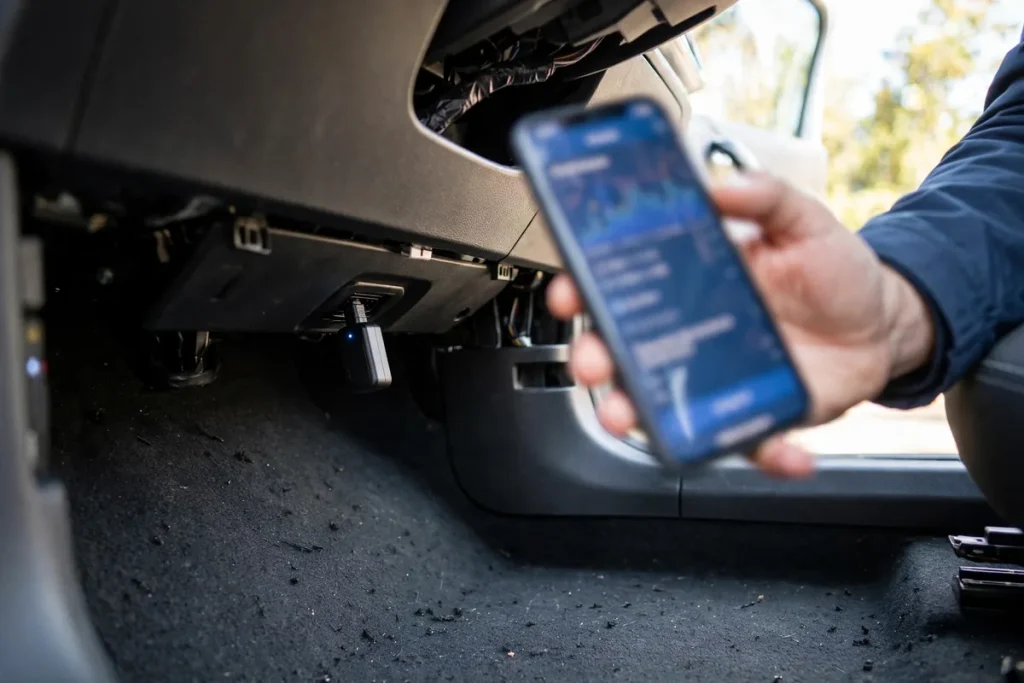
If the Bolt’s charging rate is below 30–40 kW at DC in mild weather with the battery below 50% SOC, and the car has had its recall repair completed, a genuine BMS or charging module fault may be present. Get an OBD2 scan with an OBDLink MX+ adapter and Car Scanner app. Look for fault codes including P1E00, charging module codes, or thermal management codes.
How to Maximize Chevy Bolt Charging Speed
- Precondition in cold weather: Use the myChevrolet app to start preconditioning 20–30 minutes before a DC fast charge session in cold weather
- Arrive at CCS stations with less than 50% charge: This keeps you in the peak 55 kW zone for the longest portion of the session
- Use a 32A or 40A EVSE at home: The Bolt maxes out at 7.2 kW Level 2 regardless, but you need at least a 32A EVSE to hit that maximum
- Check for software updates: GM has pushed charging-related improvements through myChevrolet OTA updates, keep the software current
- Try different CCS stations: If one station consistently delivers low rates on your Bolt, try a different network to determine if it’s a station-specific compatibility issue
FAQs
Can I upgrade my 2019 Bolt to charge faster than 55 kW DC?
No, the 55 kW DC fast charge limit on the 2017–2022 Bolt is a hardware limitation of the onboard DC charging components. It cannot be changed through software updates or aftermarket modifications. If faster DC charging is important to your use case, the 2023+ Bolt EV or a different EV model is the practical solution.
For a related problem, see Why Is My Kia EV6 Not Fast Charging.
My Bolt charges at 7 kW Level 2: is that normal?
Yes, 7–7.2 kW is the Bolt’s maximum Level 2 rate. This is completely normal and expected. A 32A EVSE on a 40A dedicated circuit delivers exactly this. If you’re seeing noticeably less than 7 kW at Level 2, say 3.3–3.8 kW, the circuit may be undersized, the EVSE is a 16A unit, or the charge current setting in the car has been reduced. Check the in-car charge current setting in the energy menu.
Conclusion
The Chevy Bolt’s most common “slow charging” complaint is actually normal behavior, the 55 kW DC cap is a hardware design limit on 2017–2022 models. For Level 2, the 7.2 kW maximum is similarly fixed. Real charging slowness below these limits is caused by cold battery temperature, high SOC at the DC charger, an undersized EVSE circuit, or a recall-related software limitation. Precondition in cold weather, arrive at DC fast chargers with low SOC, and use a 32A+ EVSE at home to get the best charging performance from your Bolt.