
Why Is My EV Not Charging?

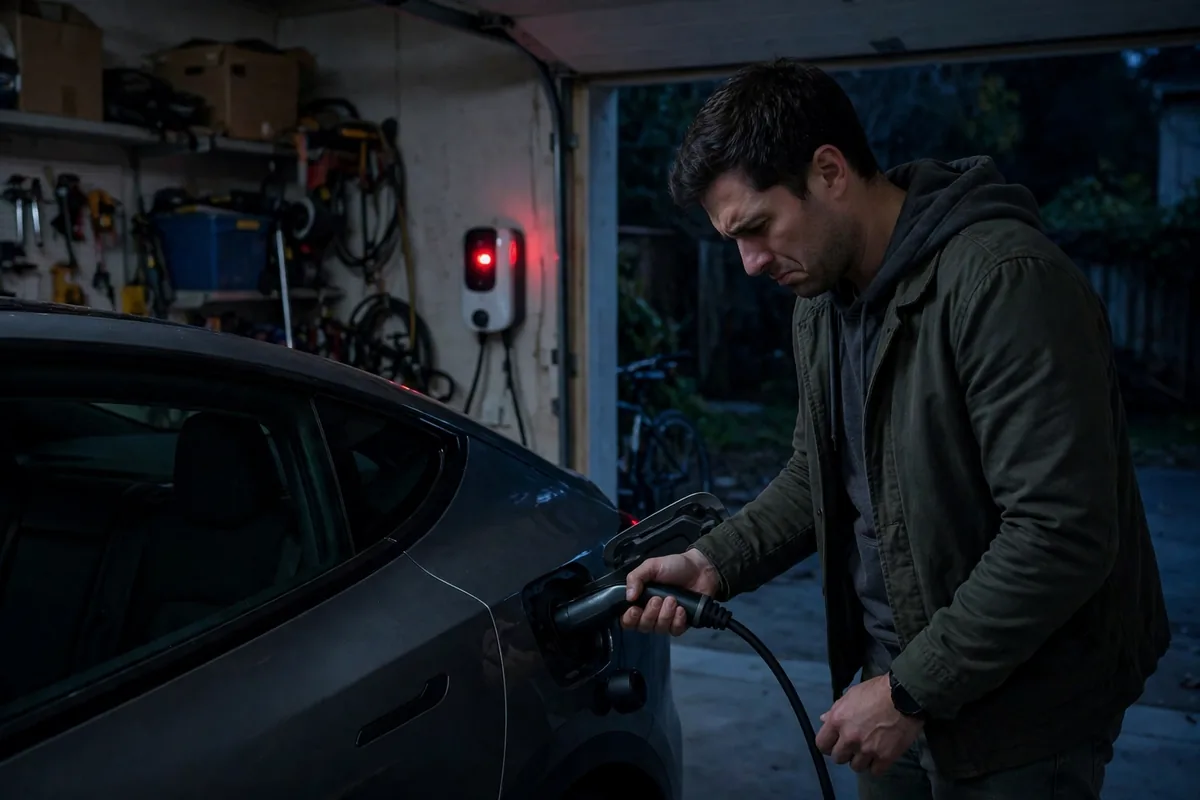
You plugged in your EV and nothing happened, or charging started but stopped before it finished, or it’s been charging for 8 hours and barely moved the needle. EV charging problems are the most common complaint from EV owners. This guide covers every possible cause and the exact steps to fix each one.
This guide belongs to our EV charging problems section. For the full overview, see EV Charging Troubleshooting.
The Short Answer
If your EV is not charging, start by checking the charging cable and port for damage, then try a different outlet or charger. Check if the charge limit is set below 100% in your car’s settings. Verify the circuit breaker hasn’t tripped. If the battery is too cold or too hot, the BMS will pause charging automatically, this is not a malfunction. Only call a dealer if all basic checks fail and error codes appear.
What Causes EV Charging Problems?
- Charge limit set below 100%, car is working as designed, not broken
- Battery temperature out of range, too cold or too hot to accept charge
- Faulty or damaged charging cable, bent pins, frayed cord, bad connector
- Tripped circuit breaker, Level 2 home charger circuit went offline
- EVSE (home charger unit) malfunction, unit lost connection or failed
- Charge port issue, port is stuck, dirty, or has a latch error
- BMS fault or software error, car’s computer is blocking the charge session
- Public station error, network issue, payment failure, or hardware fault
- Scheduled charging is on, car is waiting for off-peak hours to start
- Software bug after OTA update, known issue on several brands
How to Diagnose the Problem
Step 1: Check what the car’s app or display says
Open your car’s companion app (Tesla, Ford, Kia Connect, Hyundai Bluelink, Rivian, MyChevrolet, etc.) and look at the charging status. Is it showing “Charging,” “Paused,” “Complete,” “Charge Limit Reached,” or an error? The app message tells you exactly what the car thinks is happening.
Step 2: Check the charge limit setting
This is the #1 cause of “my EV won’t charge past 80%” calls to dealers. Most EVs ship with the charge limit pre-set to 80% to protect battery health. If your car stopped at 80% and you think it should go higher, check the charging settings in your car’s touchscreen or app. Raise the limit to 90% or 100% for long trips.
Brands with this setting active by default: Tesla (default 80%), Chevy Bolt (default 90%), Hyundai Ioniq 5, Kia EV6, Ford Mustang Mach-E, Rivian R1T/R1S.
Step 3: Check for scheduled charging
If you plugged in and the car isn’t charging at all, check whether scheduled charging is enabled. Many EVs let you set a time for charging to begin, usually during off-peak electricity hours. The car will sit plugged in but won’t draw power until the scheduled time. Check this in the app or the car’s charging menu.
Step 4: Check the cable and charge port
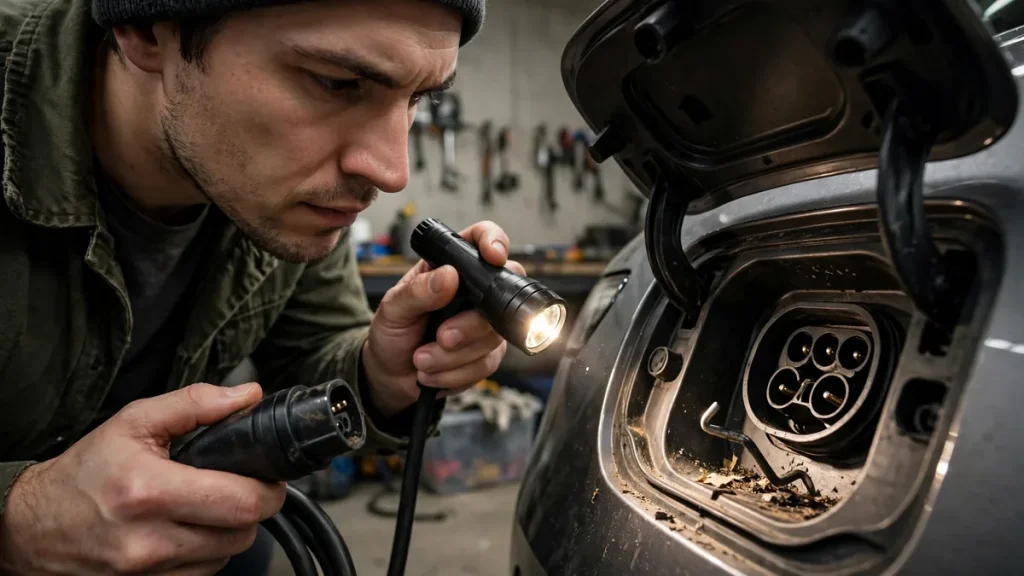
Unplug the cable completely at both ends. Look at the connector for bent pins, corrosion, or debris. Look into the car’s charge port with a flashlight, debris, moisture, or a bent pin inside the port can prevent a connection. Clean gently with a dry cloth if needed. Never spray water or compressed air directly into the charge port.
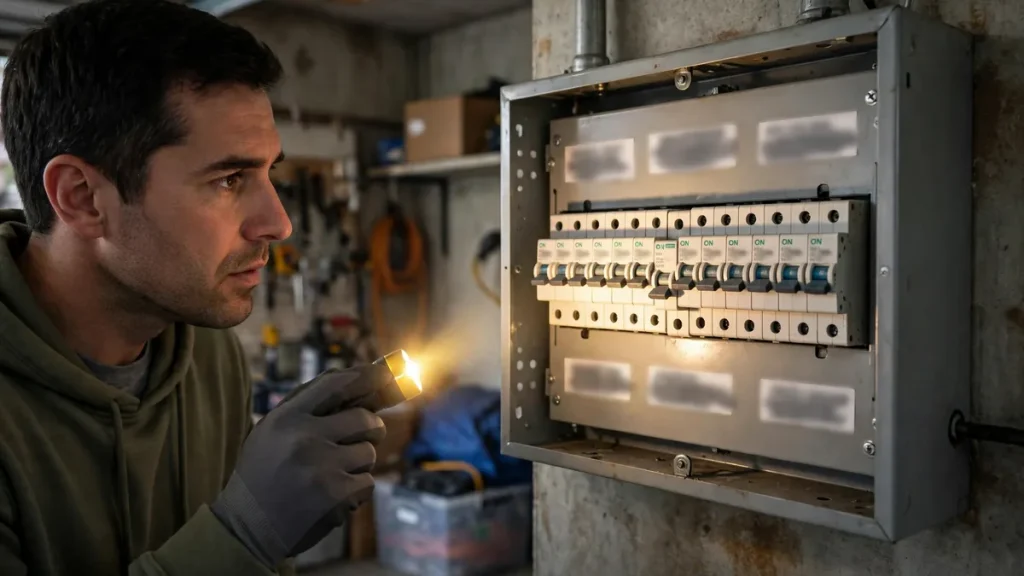
Step 5: Check the circuit breaker
If you’re using a Level 2 home charger, go to your electrical panel and look for a tripped breaker. It will be in the middle position between ON and OFF. Push it fully to OFF, then back to ON. Try charging again. If it trips again immediately, there’s an electrical problem, call an electrician, don’t keep resetting it.
Step 6: Check battery temperature
Your BMS automatically pauses or slows charging when the battery is below 32°F or above 95°F. If it’s very cold or very hot outside, this is the likely cause. The car will begin charging once the battery reaches its acceptable temperature range, either by warming up naturally or through the car’s thermal management system. Some EVs (Tesla, Ioniq 5, EV6, Rivian) will pre-heat or pre-cool the battery automatically when you set a navigation route to a fast charger.
How to Fix It: Step by Step
Fix 1: Reset the charging session
- Unplug the charging cable from the car
- Turn the car off completely
- Unplug the EVSE (home charger) from the wall outlet for 30 seconds
- Plug the EVSE back into the wall
- Plug the cable into the car
- Wait 60 seconds, the charging light should turn on
This clears most temporary charging faults and works for both home and public stations (just unplug and replug at the station instead).
Fix 2: Try a different charger to isolate the problem
If the car won’t charge at home, try a public Level 2 station or a DC fast charger. If it charges fine there, the problem is your home EVSE or electrical circuit, not the car. If it won’t charge anywhere, the issue is in the car itself, charge port, onboard charger, or BMS.
Fix 3: Clean the charge port
- Open the charge port door
- Shine a flashlight inside and look for debris, moisture, or bent pins
- Use a dry cotton swab or clean dry cloth to gently wipe the inside rim
- Never use metal tools inside the port
- If you see bent pins, do not try to straighten them, this is a dealer repair
Fix 4: Warm up or cool down the battery
In cold weather: turn the car on and run the heater for 10–15 minutes before plugging in. Or use your app to pre-condition the battery while still plugged in, the car uses grid power, not battery power, to warm itself up.
In hot weather: park in shade, let the car sit for 20–30 minutes with the doors open, then try charging again. Don’t fast charge immediately after arriving in extreme heat.
Fix 5: Soft reset the car
If the car shows a charge error but the cable, port, and EVSE all seem fine, a BMS software glitch may be blocking the session. Power cycle the car: turn it off, wait 5 minutes, turn it back on. On Tesla, hold both scroll wheel buttons for 10 seconds. Then try plugging in again.
Fix 6: Check for and install software updates
Several charging bugs have been introduced and fixed through OTA updates. Check your car’s software version and compare it to the latest available. Tesla owners can check in the app under Software. For other brands, check the infotainment settings under System or About. If an update is available, install it and try charging again.
Brand-Specific Charging Issues
- Tesla: If the Supercharger shows “Unable to charge,” try a different stall first. If that fails, check for a charge port latch error in the app and try releasing the port remotely.
- Chevy Bolt: P1E00 fault code means a high-voltage battery system error, this is a dealer-level fix, not DIY.
- Nissan Leaf: CHAdeMO fast charging can fail if the car hasn’t been driven recently and the battery is cold. Drive 10–15 minutes first to warm it up.
- Hyundai Ioniq 5 / Kia EV6: These cars sometimes show a “Charging paused” error when connecting to CCS stations in cold weather. Enable battery preconditioning via the navigation system before arriving at the charger.
- Ford Mach-E / F-150 Lightning: If the FordPass app shows “Charge Port Error,” check the port for debris and try unlocking/locking the car once before re-inserting the cable.
- Rivian: The “Charge System Fault” error usually means a temporary BMS glitch. Unplug, wait 2 minutes, and replug. If it persists, contact Rivian support.
- VW ID.4: Some owners report compatibility issues with certain Electrify America stations. Try a different station or call EA customer service to remotely start the session.
When to Contact a Dealer
Contact a dealer if the car shows a persistent charging error code that doesn’t clear after a reset, if the charge port has physically damaged or bent pins, if the onboard charger is making unusual noises, if the car won’t charge on any charger or outlet, or if the charge port sparks when you insert the cable. All of these indicate a hardware problem that requires professional service.
Repair Cost
| Issue | Estimated Cost | DIY? |
|---|---|---|
| EVSE unit replacement | $400–$900 + installation | Partial (unit only) |
| Charge port replacement | $500–$1,500 | No |
| Onboard charger replacement | $1,500–$4,000 | No |
| BMS software reflash | $100–$300 | No |
| Charging cable replacement | $200–$600 | Yes |
Can You Continue Driving?
If charging isn’t working, you can continue driving until the battery runs low, but plan carefully. Don’t assume the problem will resolve itself. If you can’t charge at home, identify a public station you can use as a temporary solution while you get the issue diagnosed. Never let the battery drop below 10% if the charging issue isn’t resolved.
How to Prevent Charging Problems
- Keep the charge port door closed when not in use to prevent debris buildup
- Don’t force a charging cable in, if it doesn’t click in smoothly, check for obstructions
- Have your home EVSE on a dedicated circuit with the correct amperage
- Keep your EV’s software up to date
- Don’t regularly fast charge in extreme temperatures without preconditioning first
- Check your charging network account payment method every few months
FAQs
Why did my EV stop charging at 80%?
Your charge limit is almost certainly set to 80% in the car’s charging settings. This is a built-in battery protection feature and is not a malfunction. Go to your charging settings or app and raise the limit to 90% or 100% if you need a full charge.
Why is my EV charging much slower than usual?
Slow charging is usually caused by battery temperature (too cold or too hot), a lower-amp EVSE than your car can accept, or the car throttling charge speed near the top of the charge limit. DC fast charging always slows above 80% SOC, that’s normal BMS behavior.
My home charger light is blinking red: what does it mean?
A blinking red light on a home EVSE usually means a ground fault error, lost communication with the car, or an internal unit fault. Try unplugging and replugging the unit. If the red light persists, check the circuit breaker and consult the EVSE manufacturer’s error code guide. Most home charger brands (ChargePoint, Juicebox, Wallbox, Emporia) have support lines that can remotely diagnose the unit.
Conclusion
Most EV charging problems are caused by settings, temperature, or a simple reset away from being fixed. Check the charge limit setting, verify the cable and port are clean and undamaged, reset the EVSE, and try a different charger to isolate where the problem is. If error codes persist or the charge port is physically damaged, that’s when you call a dealer. Don’t pay for a diagnostic until you’ve worked through all the basic checks in this guide.