
Can a Software Update Fix EV Battery Issues?

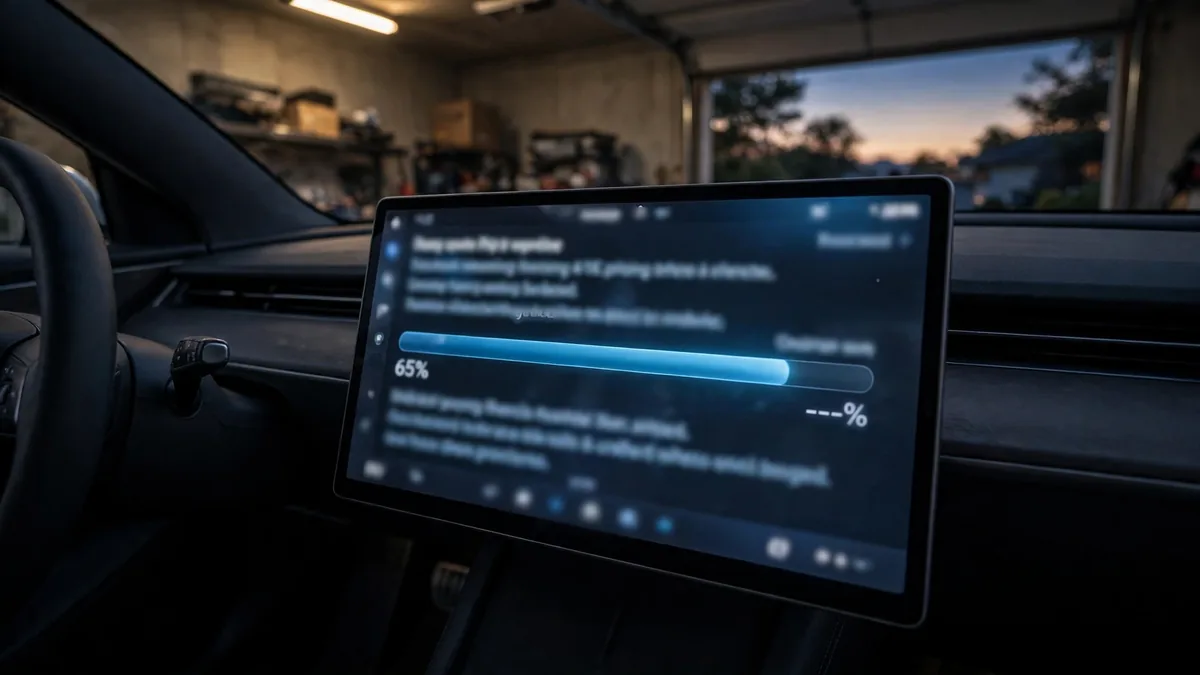
You’ve heard that software updates can fix EV battery problems, but can they really? And which problems can a software update actually solve versus which ones need physical repairs? This guide gives you the honest answer, with real examples from Tesla, Hyundai, Ford, Chevy, Kia, and other brands.
This guide belongs to our general guides section. For the full overview, see Common EV Battery Problems and How to Fix Them.
Short Version
Yes, software updates can fix many EV battery problems including inaccurate range estimates, charging speed limits, false warning lights, BMS calibration errors, and charging compatibility issues. They cannot fix physical cell degradation, contactor failures, or actual capacity loss. If a software update is available for your issue, install it before paying for any repair.
What Software Updates Can Fix
1. Inaccurate range estimates
The BMS uses a complex algorithm to estimate how far you can drive on current charge. Bugs in this algorithm can cause the car to underestimate or overestimate range noticeably. Several manufacturers have pushed OTA updates specifically to correct range calculation bugs. Tesla, Hyundai Ioniq 5, and Kia EV6 have all had range estimate corrections delivered over the air.
2. Charging speed limits
Some EVs shipped with conservative DC fast charging limits that were later unlocked through software. Hyundai Ioniq 5 and Kia EV6 received updates that improved their 800V charging performance. Ford F-150 Lightning received an update improving DC fast charge speeds. A software update won’t physically upgrade your hardware, but it can remove artificial limits the manufacturer placed on existing hardware.
3. False battery warning lights
BMS sensor calibration errors can trigger warning lights when there’s no real battery fault. Several Nissan Leaf owners reported false P3101 codes that were resolved by dealer software updates. VW ID.4 owners have seen false battery warnings cleared by updates. Always check for a pending update before assuming a warning light means a hardware problem.
4. Charging compatibility with public stations
Some EVs have had communication protocol bugs that prevented them from charging at specific public networks. VW ID.4 had documented issues with certain Electrify America stations that were fixed by a software update. Charging compatibility updates are fairly common across brands and are one of the clearest examples of software directly fixing a “battery” problem.
5. BMS calibration and cell balancing improvements
The BMS constantly learns about the battery’s characteristics. Over time, manufacturers push updates that improve how the BMS tracks cell balance, manages thermal limits, and calibrates state of charge. These updates can improve accuracy without changing the physical hardware at all.
6. Vampire drain reduction
Tesla has pushed multiple updates over the years that reduced standby power consumption, the energy the car uses while parked. One notable update improved Sentry Mode efficiency. Several other updates reduced background process energy draw. If your car is draining faster than expected while parked, a pending software update may help.
7. Regenerative braking behavior
Software updates have adjusted regen braking aggressiveness, cold-weather regen limits, and one-pedal driving behavior across multiple brands. These changes directly affect how efficiently energy is recovered during deceleration, which affects real-world range.
What Software Updates Cannot Fix
- Real cell degradation: If cells have lost capacity from age, deep discharges, or heat exposure, no software update restores that capacity. The physical chemistry can’t be reversed by code.
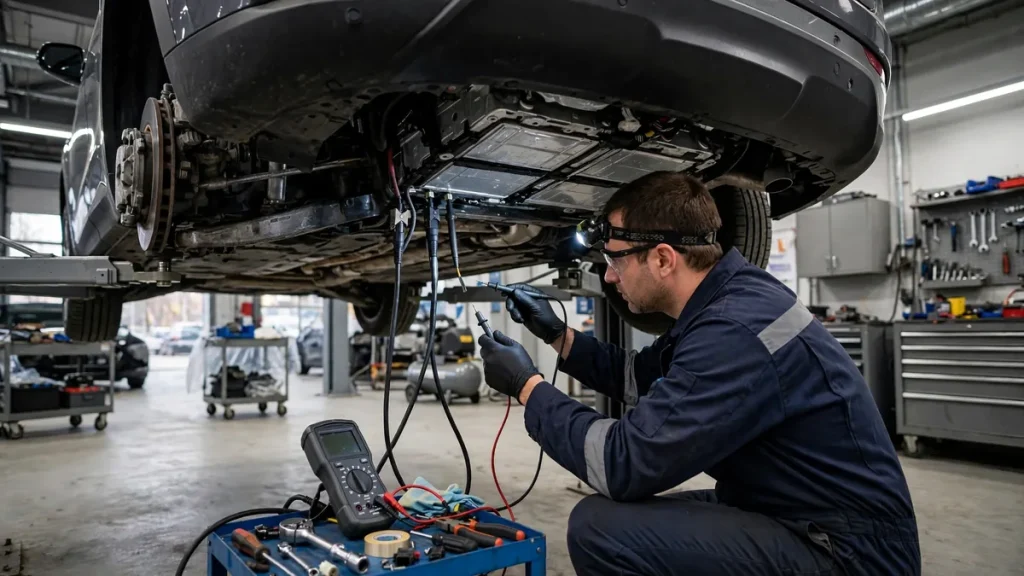
- Contactor failure: A failed high-voltage relay that won’t close requires physical replacement.
- Charge port damage: Bent pins, damaged contacts, or a stuck latch need physical repair.
- Thermal runaway or physical damage: Any sign of burning, swelling, or structural damage requires hardware replacement.
- Cell imbalance caused by a failed cell: While software can improve balancing behavior, a dead cell group cannot be revived by the BMS.
- Isolation faults caused by physical damage: A breach in the battery’s electrical isolation requires hardware intervention.
How to Check for and Install Software Updates
Tesla
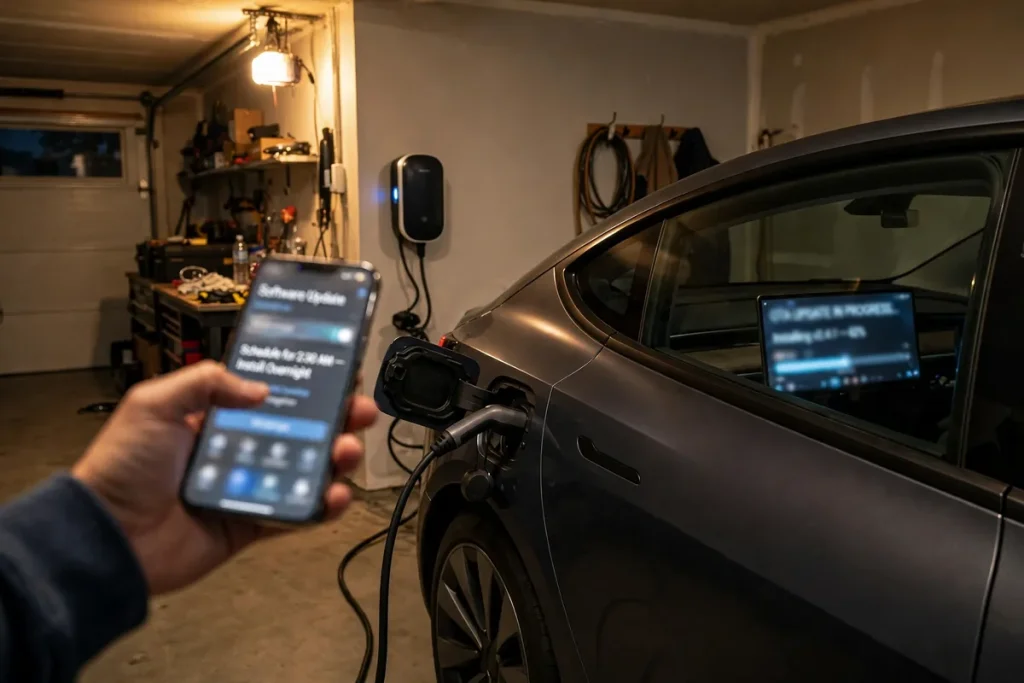
Updates are delivered automatically over Wi-Fi. Go to Controls → Software to see your current version and any pending updates. Connect to home Wi-Fi with the car plugged in for the fastest update delivery. Tesla pushes updates frequently, check weekly if you’re having an active problem.
For a related problem, see How Much Does EV Battery Diagnosis Cost?.
Ford (Mach-E and F-150 Lightning)
Some updates arrive OTA through the FordPass app; others require a dealer visit for a USB flash update. Check the FordPass app for pending notifications. If you’re having a known issue, call Ford’s EV support line and ask whether a software fix has been released for your VIN.
Hyundai Ioniq 5 and Kia EV6
OTA updates are available for most software modules. Check the car’s Settings → Software Update menu. Dealer-administered updates are required for some BMS firmware changes, your dealer can tell you if a service campaign (manufacturer-initiated update) is pending for your VIN.
Chevy Bolt
The Bolt has limited OTA capability. Most significant BMS updates require a dealer visit. Check the MyChevrolet app and ask your dealer whether any software service campaigns are open for your VIN, especially related to the battery recall update.
Nissan Leaf
The Leaf has very limited OTA updates, almost all software changes require a dealer visit. If you’re experiencing a known issue, ask your dealer to check whether a technical service bulletin (TSB) or software update is available for your car’s fault code.
Rivian
Rivian has one of the best OTA systems in the industry. Updates are delivered wirelessly and cover the BMS, charging system, and range estimation. The Rivian app notifies you when an update is available. Updates can be scheduled for overnight installation.
Real Examples of Software Fixes for Battery Problems
- Tesla Model 3/Y (2019–2021): Multiple updates improved range estimation accuracy, reducing discrepancy between displayed and actual range
- Hyundai Ioniq 5 (2022): Software update addressed battery management for improved charging performance in cold climates
- Chevy Bolt (2020–2022): Battery management software update was part of the recall response to limit charging to 90% temporarily while hardware fixes were implemented
- Ford F-150 Lightning (2022): OTA update addressed charging speed improvements and range estimation corrections
- VW ID.4 (2021–2022): Software updates improved DC fast charging compatibility with third-party networks
- Rivian R1T/R1S (2022–2023): Multiple OTA updates improved range estimates, charging curve behavior, and reduced vampire drain
FAQs
Can a software update make battery problems worse?
Rarely, but it has happened. A few Tesla and Ford updates initially caused new charging or range issues that were fixed by subsequent patches. If an update causes a new problem, check the owner community forums immediately, if others are reporting the same thing, the manufacturer will push a correction quickly.
My range got worse after an update: is that a software bug?
It could be. Some updates adjust the BMS to report range more conservatively, meaning the displayed range goes down but the car didn’t actually lose capacity. Check owner forums for your specific model and update version. If a pattern is reported, the manufacturer will address it. You can also check your actual energy consumption per mile to see if real efficiency changed.
Should I delay installing an update when I’m having problems?
No, in most cases, installing pending updates should be one of your first troubleshooting steps. The update may contain the fix for your exact issue. The only exception is if a specific update is widely reported to be causing the same problem you’re experiencing, in that case, waiting for the next version makes sense.
Conclusion
Software updates fix a wide range of EV battery problems, from false warning lights to charging speed limits to inaccurate range estimates. They cannot fix physical cell failures, contactor problems, or real capacity loss. Always check for pending updates before scheduling a dealer visit for a battery issue. A free software fix is always better than a $2,000 hardware repair for a problem that turns out to be code.